LinkedIn Queens

Place one queen per row, column and colour region.

3–8 minutesBy LinkedIn
linkedin.com/games/queens
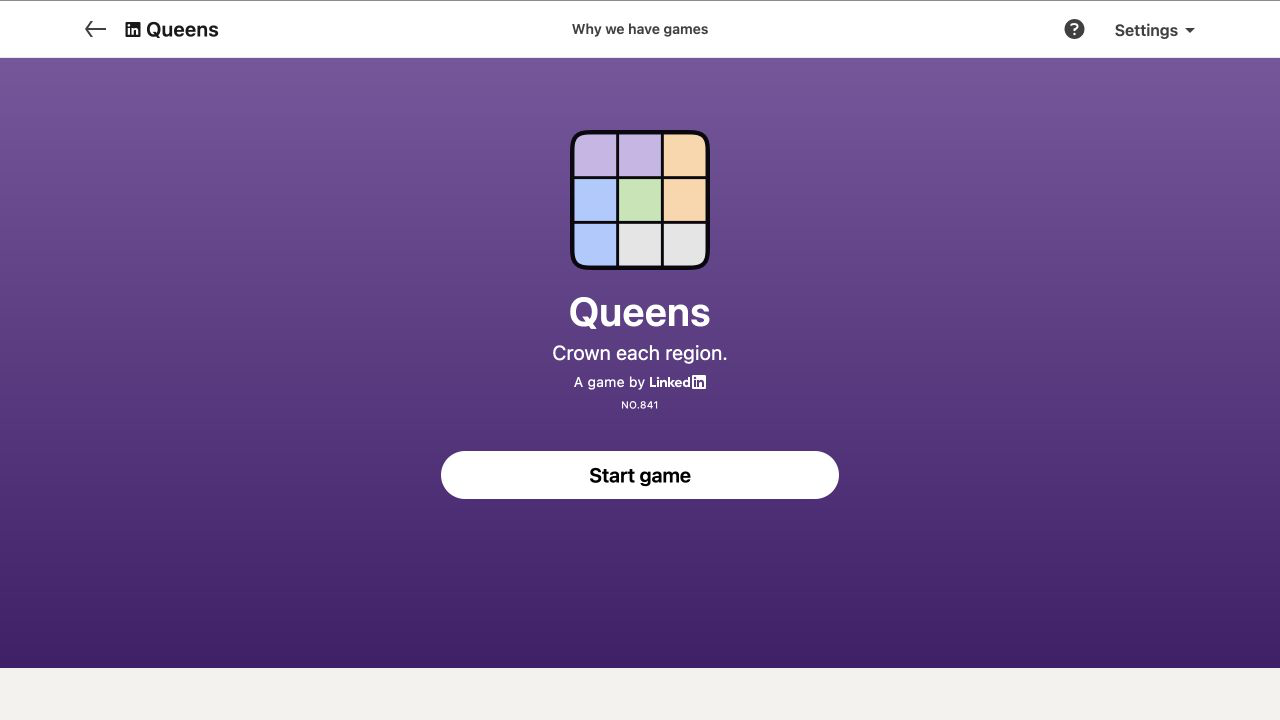
LinkedIn Queens official start screen
Official LinkedIn Games start screen, captured August 2026.

What is Queens?

Platform
Web
Access
Official LinkedIn link
Schedule
Daily at midnight PT
Session
3–8 minutes

Queens is a daily logic puzzle: position exactly one crown in every row, every column and every coloured region, with no two crowns touching — not even diagonally. A quick, satisfying deduction game from LinkedIn.

LinkedIn Queens is a daily visual logic puzzle in which every row, every column, and every coloured region must contain exactly one crown. Crowns may not touch one another, including diagonally. Those four constraints overlap constantly, which is why a small board can produce a satisfying chain of deductions. You are not looking for chess attacks across long diagonals; the only diagonal restriction is direct adjacency to the eight cells around a crown.

The cleanest way to learn how to play LinkedIn Queens is to separate placement from elimination. Place a crown only when its location is forced. Mark impossible cells with X symbols as soon as a row, column, region, or neighbouring crown excludes them. The marks turn a colourful picture into a precise candidate map. This spoiler-free Queens strategy guide focuses on repeatable deductions that work across daily boards rather than the solution to any current puzzle.

Core rules

  1. 1Place exactly one queen in every row, column and coloured region.
  2. 2Queens cannot touch, including diagonally.
  3. 3Use crosses to mark cells that cannot contain a queen.

Queens strategy guide

Use rows, columns, coloured regions, and adjacency constraints together to solve Queens by deduction instead of trial and error.

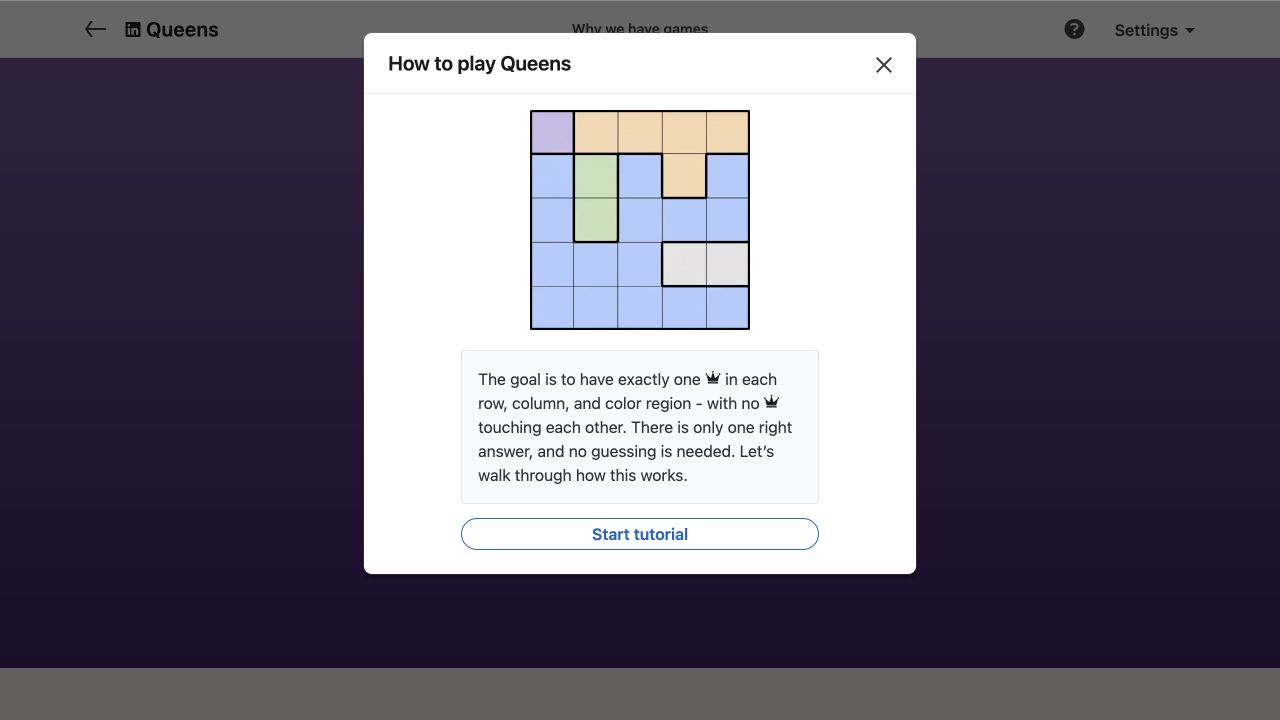
The official tutorial image shows the real game interface and an example puzzle, without revealing today's solution.

LinkedIn Queens official tutorial showing the real game board
Official LinkedIn gameplay tutorial
1

Start with constrained regions

Scan for a coloured region with very few cells, especially one pressed against an edge or corner. A two-cell or three-cell region cannot hide many possibilities. Even when you cannot place its crown immediately, marking which rows and columns those cells occupy may eliminate positions in neighbouring regions. The strongest opening move is often an exclusion that reduces several units at once rather than an obvious crown.

Also look for rows or columns that intersect a region in nearly all of its remaining cells. If the region’s crown must sit somewhere within one row, no other region can place a crown in that row. This “locked candidate” idea is central to harder Queens puzzles. You do not need to know which exact cell wins yet; knowing where the crown is confined can be enough to advance the rest of the board.
2

Propagate every crown completely

After placing a crown, mark its entire row, entire column, the rest of its coloured region, and all adjacent cells. Missing even one diagonal neighbour creates false candidates later. A disciplined sweep prevents the board from becoming inconsistent and often reveals a new single immediately. LinkedIn offers an Auto-place X’s setting, but understanding the propagation yourself makes the logic easier to follow when the pattern becomes crowded.

Work in cycles: place one forced crown, update every consequence, then rescan regions, rows, and columns. Avoid placing several apparent crowns before marking. Queens is designed so deductions cascade; skipping the maintenance step hides that cascade and encourages guessing. If a contradiction appears, use Undo and inspect the most recent assumption rather than clearing a board that was mostly correct.

3

Use pairs and bands

Suppose two regions can place their crowns only in the same two rows. Those two rows are now reserved for those regions, so every other region must avoid them. The same reasoning works with columns and with groups of three. This is a powerful way to solve a board when no region has a single candidate: compare candidate bands instead of staring at individual cells.

Adjacency adds another layer. If all candidates for one region sit in a compact block, they may rule out nearby cells in another region even before the exact crown is known. Two candidate cells next to each other horizontally, for example, create a shared halo above and below them. Mark only exclusions that are true for every candidate in the group; otherwise you risk turning a useful pattern into an unsupported guess.

4

Choose an efficient solving order

Fast Queens times come from scanning systematically, not from tapping faster. Use the same order after each placement: current region, row, column, neighbouring cells, then the smallest remaining region. This keeps your eyes from jumping randomly across colours. On a phone, zoom your attention to one band of rows at a time while still checking the full column consequences of each move.

Beginners may see pre-placed crowns on some boards, and LinkedIn also provides hints and Auto-check. These tools are useful for learning, but try to name the rule behind a suggested move. If a hint highlights a region, count its remaining candidates and ask which constraints removed the others. Converting assistance into an explanation is what improves performance on the next daily Queens puzzle.

5

Read the Queens score correctly

LinkedIn’s shared Queens result can show solve time, the colours of the first three correct crown placements, and whether the run used mistakes or hints. The first colours describe the path you took, not a universal required order. Two careful solvers may begin in different regions and still reach the same unique solution. A “flawless” result reflects clean execution, while a fast time alone does not explain the reasoning quality.

The puzzle refreshes at midnight Pacific Time. Streaks and network comparisons can make the daily routine fun, but they can also tempt players into risky early taps. If improvement is the goal, prioritize accurate candidate marking for a week and let speed follow naturally. Consistency reduces undo operations more reliably than memorizing one-off shapes from yesterday’s board.

Common mistakes to avoid

These are rule misunderstandings and decision habits that create most avoidable errors.

Using chess movement rules

Queens may share a long diagonal. They simply cannot occupy immediately adjacent cells, including diagonal neighbours.

Forgetting a unit

Every placement must satisfy row, column, coloured region, and adjacency rules at the same time.

Placing before marking

Skipping X marks leaves false options visible and makes later contradictions much harder to diagnose.

Treating colour as decoration

A coloured region is a full constraint equal in importance to a row or column, regardless of its irregular shape.

Queens FAQ

Quick answers about rules, access, reset time, and score sharing.

Can LinkedIn Queens crowns touch diagonally?

No. Crowns cannot occupy any adjacent cells, and that includes diagonal contact. This is a local restriction; crowns farther apart on the same diagonal are allowed.

Is there exactly one crown in each coloured region?

Yes. A correct board has one crown in every row, one in every column, and one in every coloured region, with no adjacent crowns.

What do the X marks do in Queens?

X marks record cells that cannot contain a crown. They do not affect the solution directly, but a complete candidate map makes forced placements and region interactions visible.

What does the shared Queens score show?

LinkedIn may show solve time, the first three grid colours where crowns were correctly placed, and labels such as no mistakes or no hints, depending on the run.

When is a new Queens puzzle released?

A new LinkedIn Queens board arrives daily at midnight Pacific Time. The previous puzzle expires and is no longer available through the normal game page.

Try another puzzle

Ready to play Queens?

Rules are checked against LinkedIn Help, and this guide never publishes today's clues, grid, path, or answer.

Spoiler-free by design